

Prototo is the AI-native
prototyping tool for designers.
Prototypes that run on real iPhones. Describe an app screen and watch it render as a real native iOS app. No webview, no canvas, no IDE, no code.
01 / Speedrun
Fast setup, under 60 seconds
Open Prototo Desktop, create a project, and you're in the simulator before your coffee's cold. No Xcode wrangling after the first install.
02 / Pure rizz
Real native feel, built for craft
Real iOS gestures. Real haptics. Real native scrolling. Works with the Figma MCP, so bring your designs over. The kind of fidelity that holds up in a design review.
03 / Loaded
Native components, wired in
Ready from day one. Reanimated, Skia, and Lottie too. Drop in a live map, run a Skia canvas, play a Lottie file. No npm hunting. No build wrangling.
#builtwithprototo
Made something with Prototo?
Share it on X with #builtwithprototo. We repost the ones that go hard.
How it works
Share your prototo.
From prompt to a prototype running on someone’s iPhone, in three steps.
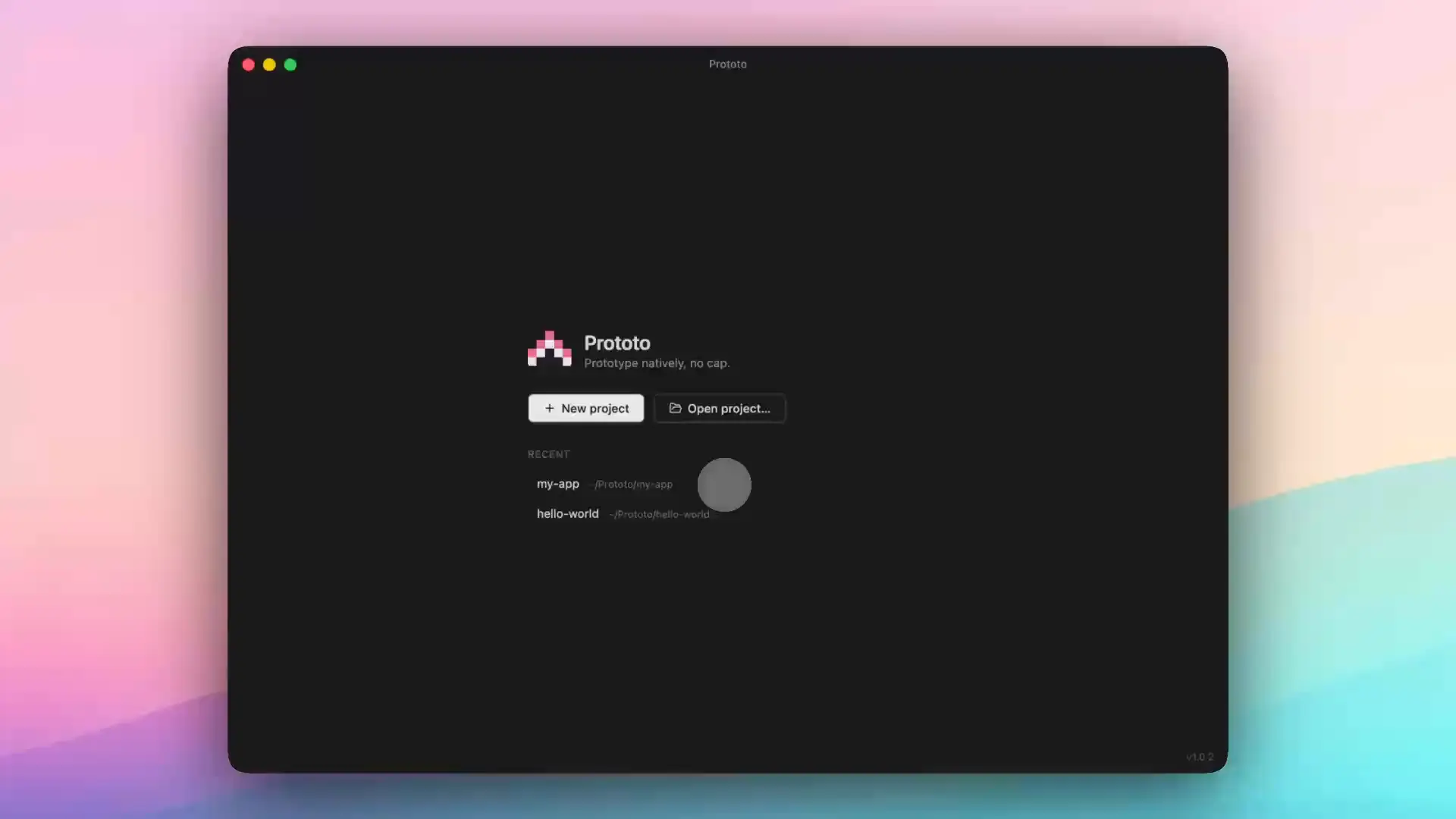
01
Prompt
Tell your coding agent what you want. It builds in the live simulator while you watch.
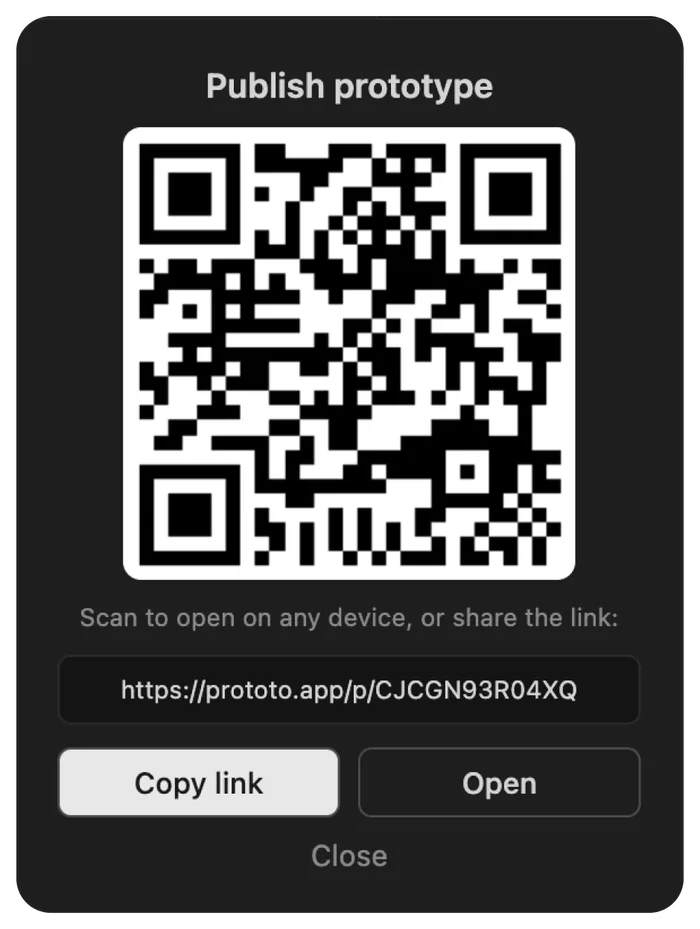
02
Publish
Hit Publish. You get a link and a QR code for your prototype.
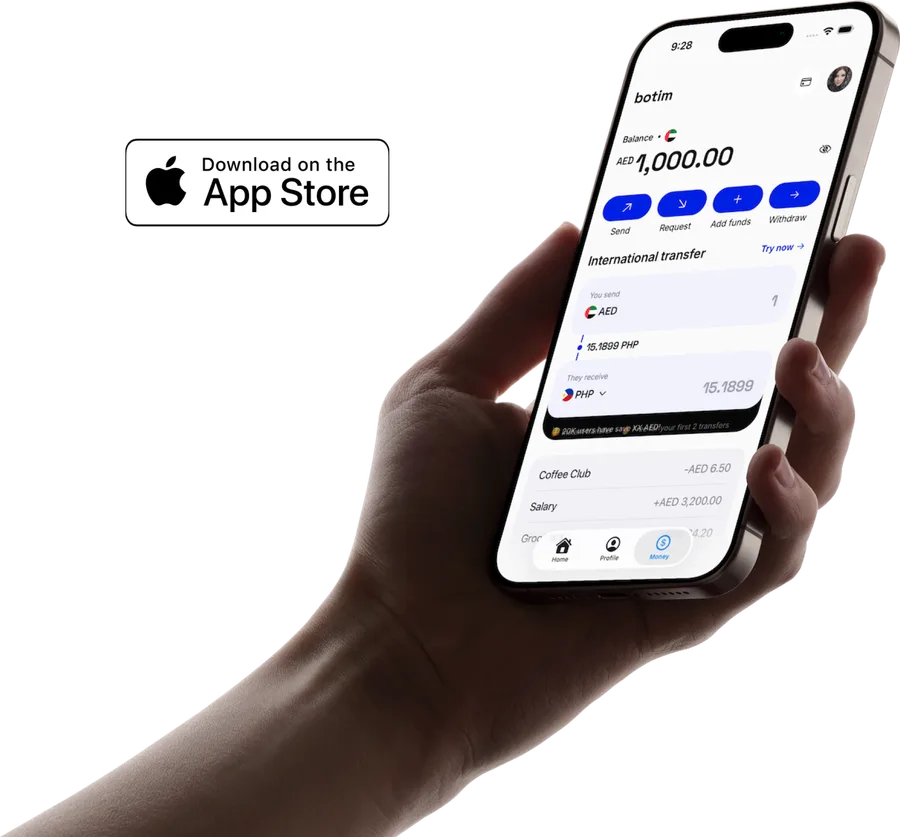
03
Preview
Anyone scans it and runs your prototype natively on their iPhone.
Prototo Studio
Record it. Post it.
Every plan records Studio clips. Frame a run in a 3D phone and cut a clip that’s ready for your portfolio or social posts.
Protomaxxing
Do more with Plus.
Building locally and running on iPhone are unlimited on every plan. Plus raises the sharing and Studio ceilings.
Get 2 months free.
| Feature | Free | Plus |
|---|---|---|
| Prototypes | Unlimited | Unlimited |
| Publishing | 7-day trialThe trial starts with your first publish, not when you sign up. | Unlimited |
| Published links | Permanent | Permanent |
| Studio exports | 1080p, watermarked | 4K, GIF, no watermark |
FAQ
Questions, answered.
What is Prototo?
Prototo is the AI-native prototyping tool for designers. You describe screens in plain language to Claude Code or Codex, and they run native in the iOS Simulator and on a physical iPhone running the Prototo app. There is no canvas, no IDE, and no engineering concepts.
How is Prototo different from Figma Make, ProtoPie, or Origami?
Figma Make previews run in a webview. ProtoPie and Origami are canvas-based and not prompt-driven. Prototo is prompt-only and renders a real native iOS app, with no canvas and no IDE. You describe a screen to Claude Code or Codex and it runs native on a real iPhone.
Is Prototo an alternative to Play?
Yes. Play was an award-winning native prototyping tool for designers that wound down in 2026 after Apple acquired the team, so it is no longer available. Prototo fills the same gap: native prototypes without engineering, through a prompt-native workflow.
Do I need to know how to code to use Prototo?
No. Claude Code is the design tool. You describe what you want and Claude Code generates the native iOS code into your Prototo project automatically.
What do I need installed to use Prototo?
macOS with Node.js 18 or newer, Xcode (free, one-time install for the iOS Simulator), and Claude Code. Then run `npm create proto@latest myapp` to scaffold a project.
Does Prototo work with Figma?
Yes. Prototo runs on Claude Code, which can connect to the Figma MCP server. Once it is connected, you can bring your Figma designs over and Claude Code rebuilds them as real native iOS layouts, instead of starting from a text prompt.
Does Prototo work on Android?
Not yet. iOS shipped first; Android support is on the roadmap. The codebase already uses a cross-platform native foundation (Expo / React Native) so one codebase will eventually run on both.
How fast is the first prototype?
Minutes. Download Prototo Desktop and it sets up your first project with a coding agent beside a live iPhone preview. You build with your own AI subscription like Claude Code or Codex CLI, so there is nothing extra to buy. Describe what you want and it hot-reloads straight into the preview.
How much does Prototo cost?
Building prototypes locally is free and unlimited. Paid plans only cover sharing them. Plus is available monthly or annually, and a Teams plan with shared workspaces and per-seat billing is coming soon.
Why does sharing a prototype cost money?
Building prototypes locally is free. Sharing hosts your prototype in the cloud so anyone can run it natively on their iPhone with the free Prototo app, and that hosting costs money. Paid plans cover it, in exchange for shares that are completely native rather than recordings or clickable mockups.
How do people view a shared prototype?
Recipients open the share link with the free Prototo app on iPhone, and the prototype runs natively on their device.
How long do Prototo share links last?
Share links are permanent and never expire. Once you publish a prototype, its link keeps working, and recipients can open it anytime with the free Prototo app. You can re-publish to update a link or delete it whenever you want.
Become the designer who ships native.
Free on your Mac. One window, real iPhone preview.
macOS on Apple Silicon · Claude Code or Codex · Xcode